Attention
Where the eyes settle. What matters in a crowded scene.
Gaze · pupil responseDesmo brings gaze, pupil and EMG signals together to help machines understand human attention and effort, learn from demonstrations, and work alongside people.

A camera can see the movement. Human signals add the attention, muscle activity and physiological response around it.
Where the eyes settle. What matters in a crowded scene.
Gaze · pupil responseThe reach, the contact, the release. An action in its surroundings.
Scene · motion · hand poseMuscle activity and physiology. A path to the force behind the action.
sEMG · PPG · IMUsWe’re developing a context layer for cobots: what step a worker is on, where their attention goes, and when help could be useful.
As a worker populates a circuit board, gaze helps locate the next insertion point on its pad map. The robot presents the matching component when the worker is ready. Reusable board recipes can reduce reaching, part errors and changeover time across small batches.
Discuss this workflowThe scene tells you what happened. Gaze adds attention. Motion adds movement. Muscle activity opens a path to the effort a task takes.
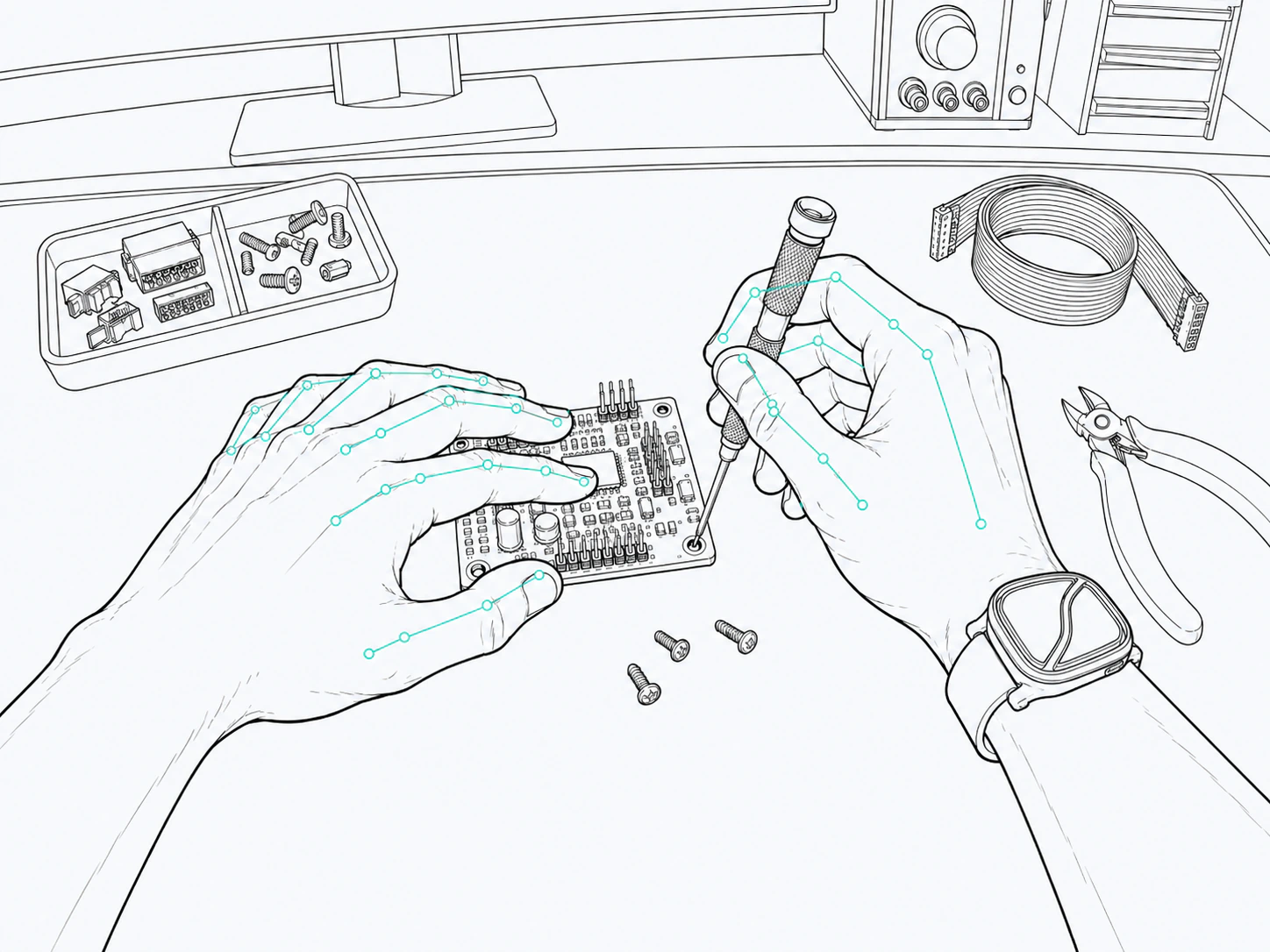
Attention registered against the scene.
Hands, motion and events on a shared timeline.
sEMG and motion for exploring calibrated force estimates.
A connected wearable system. Each part brings a different view of the person doing the work.
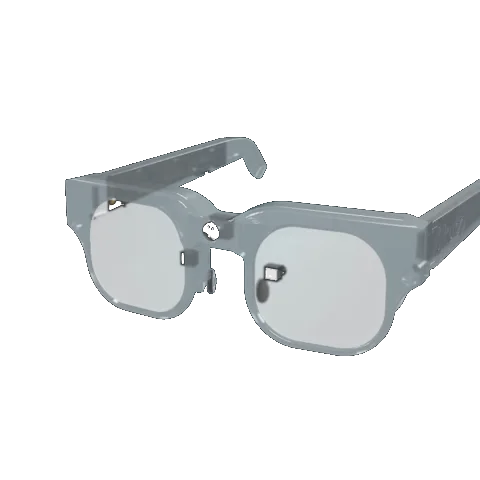
Scene, attention, audio and head movement.
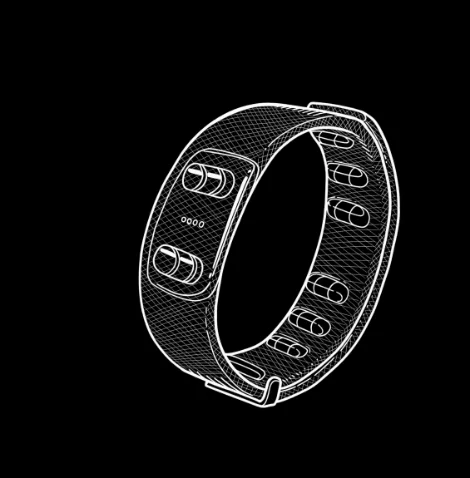
Muscle activity, PPG and inertial sensing.
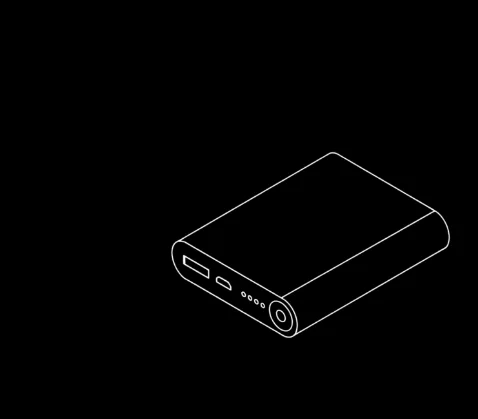
Recording and processing, carried with you.
Gaze stability and pupil novelty for efficient egocentric learning.
Bring a workcell, a demonstration task, or a question we haven’t thought of yet.
Discuss your workflow